















Backed by
Google logo
5.0
on Shopify

Fashion AI Virtual Try-On

Best Accuracy
More Sales
Fewer Returns
Live Demo

See Virtual Try-On
in Action

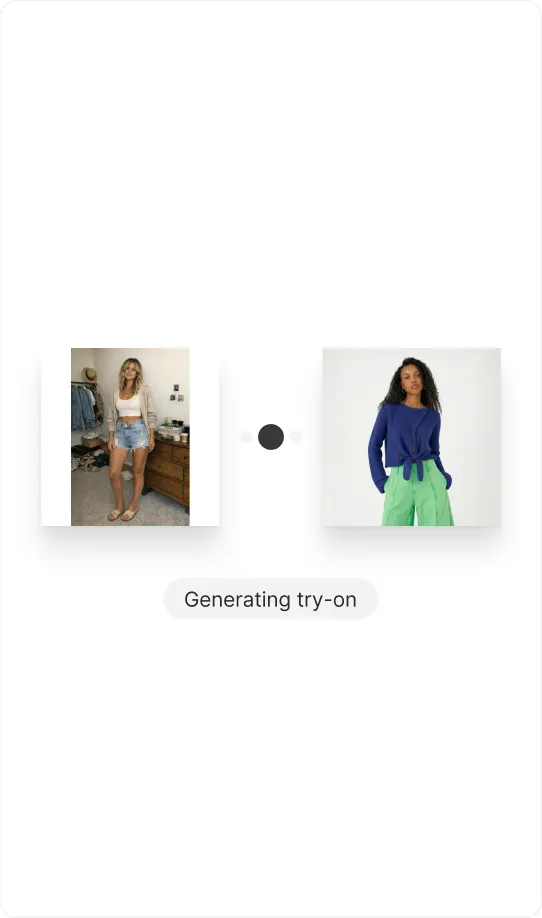
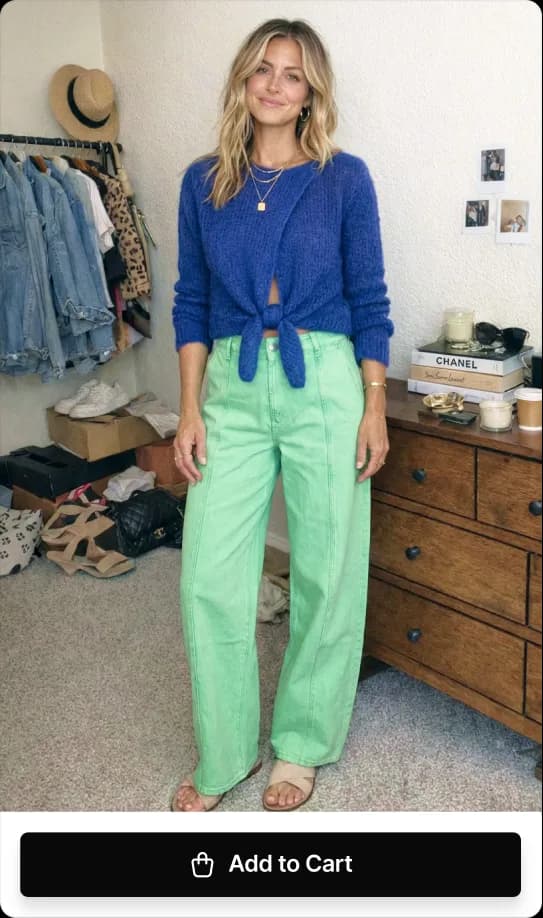
Paste a Shopify product URL, add your photo,
and watch the product on you in seconds.
Thank you! Your submission has been received!
Oops! Something went wrong while submitting the form.

Boost Buyer Confidence
and Conversions

Reduce hesitation
Faster decisions
Increase revenue

Testimonials

What fashion brands have to say.

“The most accurate try-on we tested, by far”

I've tried basically every virtual try-on app on the Shopify App Store, and TryPoint is the most accurate by far. The fit and drape feel more believable, the visuals are cleaner, and the results look premium instead of "AI-ish." When I asked how they do it, it turns out they're in the Google for Startups program, using the most up-to-date Google try-on models. For a swimwear wholesaler, realism matters, and TryPoint's images came out far beyond expectations, genuinely miles ahead of anything else I found.
Roger Hall

Roger Hall

Co-Founder, COEGA Sunwear

Company logo

“Real photos, not AI – better conversion, fewer returns”

We sell sexy, open-style outfits, so virtual try-on has always been a struggle. Most apps either refuse to generate anything because of sensitivity filters, or they warp the body and skew the garment until everything looks artificial and cringe. TryPoint blew past our expectations. The try-ons actually look like real photos, not AI, the garments stay accurate, and it's something we can confidently put in front of customers. Since adding it, we've seen more buyer confidence, better conversion, and fewer returns.

Devon Griffith

Devon Griffith

Founder, LeBeautiful.co

Company logo

“Back-view try-on shipped in two days”

TryPoint is the first virtual try-on I've tested that's moving in the right direction fast. What sold me was the speed of execution and how responsive the team is to merchant feedback. I asked for back-view try-on because front-only isn't enough for apparel, and they shipped it in 2 days, already running the latest Google try-on model. That kind of cadence is rare. They also think about the full conversion journey, not just the cool demo. It feels built with merchants, not just for them.

Kimiko Williams

Kimiko Williams

Founder & Creative Director, Blade Infiniti

Company logo

“The only try-on that handled our bikini styles”

I tested a bunch of virtual try-on apps and most couldn't handle my bikini styles. Between content restrictions and how open the garments are, the results were blocked, distorted, or just looked awkward. TryPoint was the exception. It handled even the challenging pieces, and the output looked natural, not "AI-ish." Even when customers upload a regular, casual photo, the try-on comes out clean and believable, and the garment details stay accurate. It's the first one that feels genuinely usable for real commerce.

Randy Hodges

Randy Hodges

Owner, SoHot Swimwear

Company logo

Turn Try-Ons
Into Email Signups

Capture emails
Grow your email list
Offer a discount
Grow your email list with high-intent shoppers.

Get Faster “Yes”
With Easy Sharing

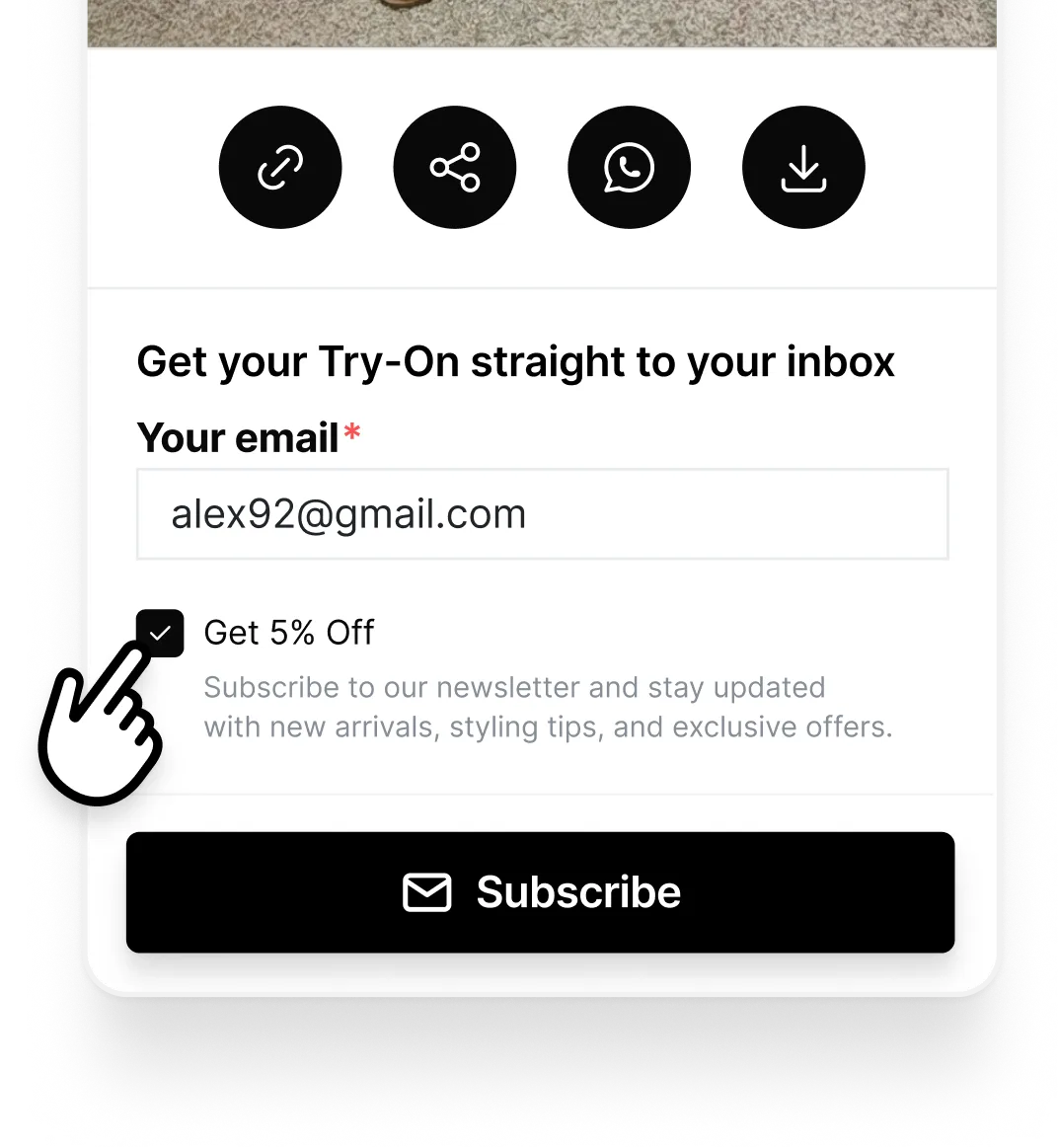
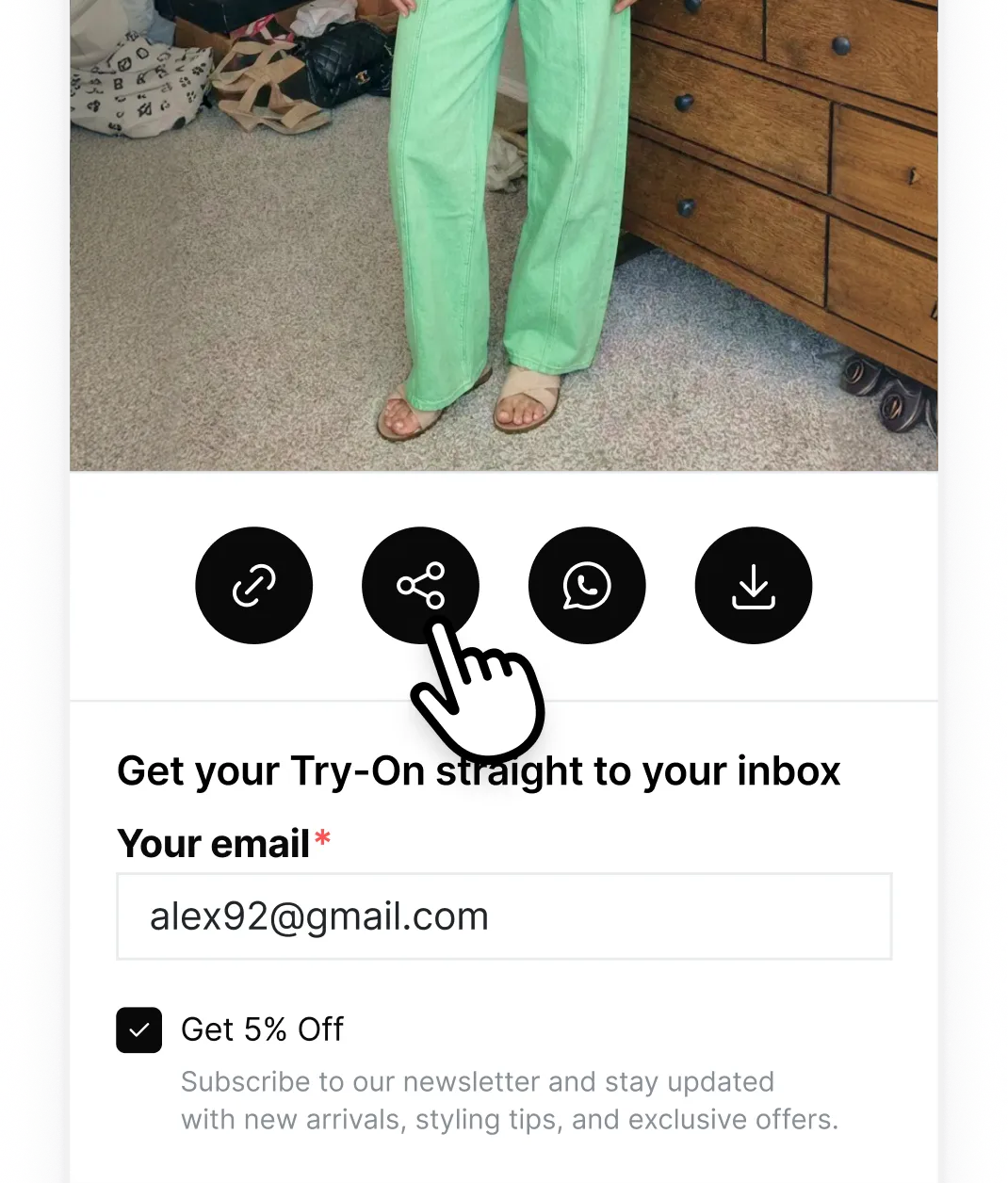
Shoppers share try-ons with friends for feedback.
You get more traffic and more confident buyers.

Turn Try-Ons
Into Social Proof

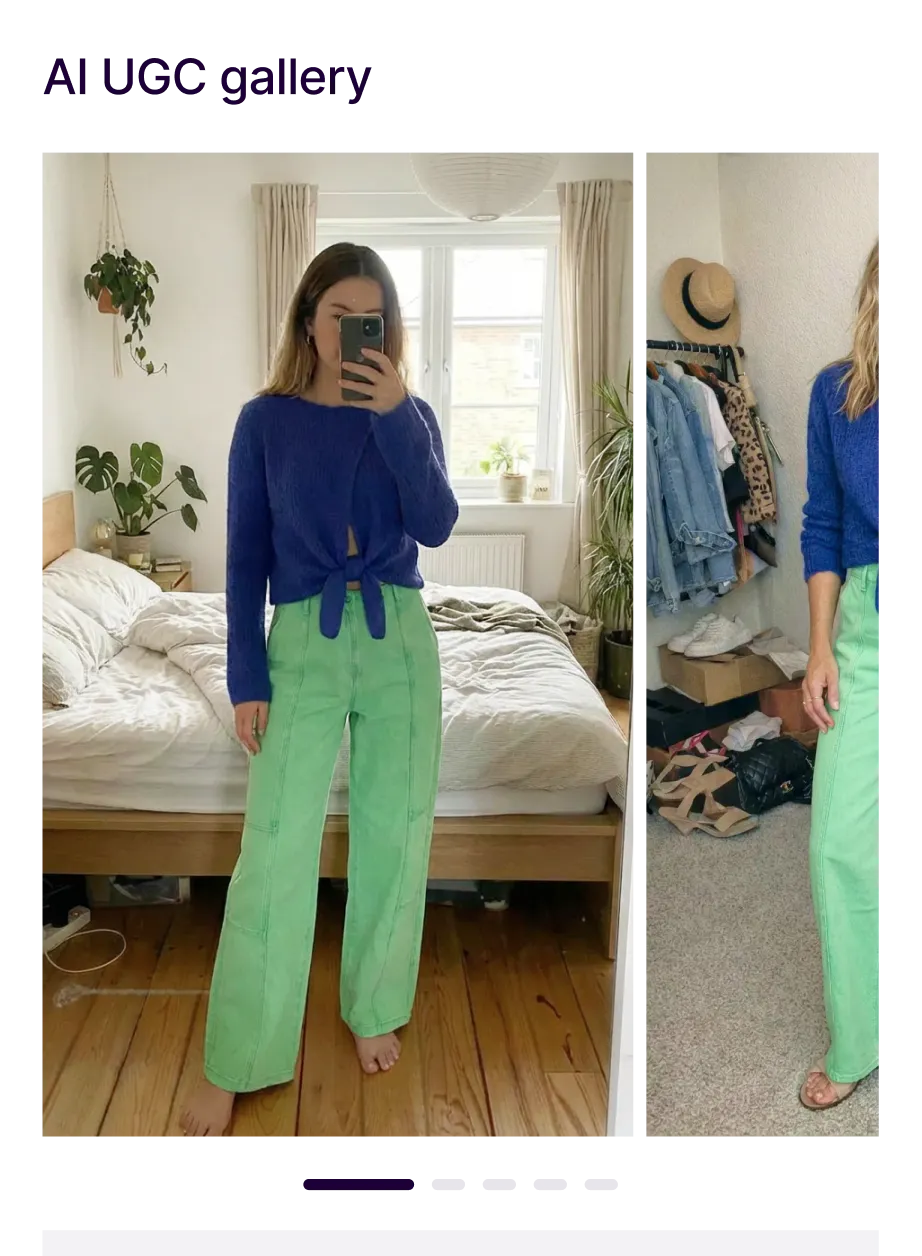
Collect AI UGC
Build trust
Boost conversions
Reuse shopper try-on photos on product pages and in ads,
with permission.

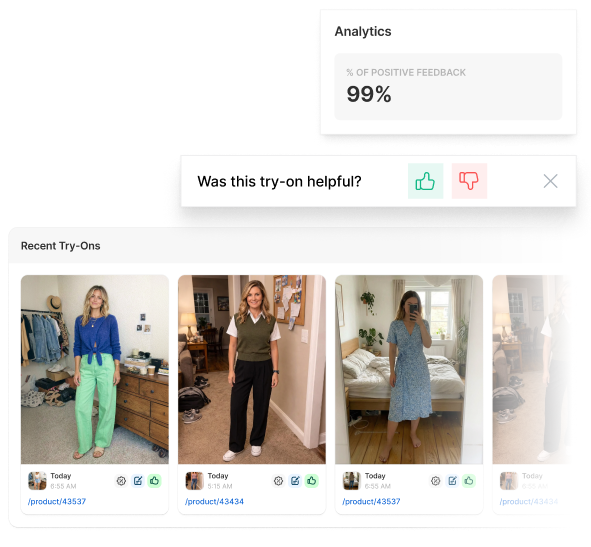
Capture Feedback, 
Review Try-Ons in Shopify Admin

Track try-on satisfaction
and deliver an exceptional shopping experience.

Launch with
GDPR compliance built in

Launch with GDPR compliance built in

Your customers' data is handled with care — auto-deleted, never trained on, and fully GDPR compliant.

Blue circular GDPR compliant logo with yellow stars in a circle and white GDPR text in center.

Auto-deleted

Your photo is processed by AI and deleted within 24 hours. PrivacyPolicy

Never used to train AI

Your photos are processed once and never used to train AI models.

EU-ready

Grant image usage rights

Allow merchant to use this try-on image on their websites and social media. You can withdraw permission anytime via store@mail.com, and the image will be deleted.

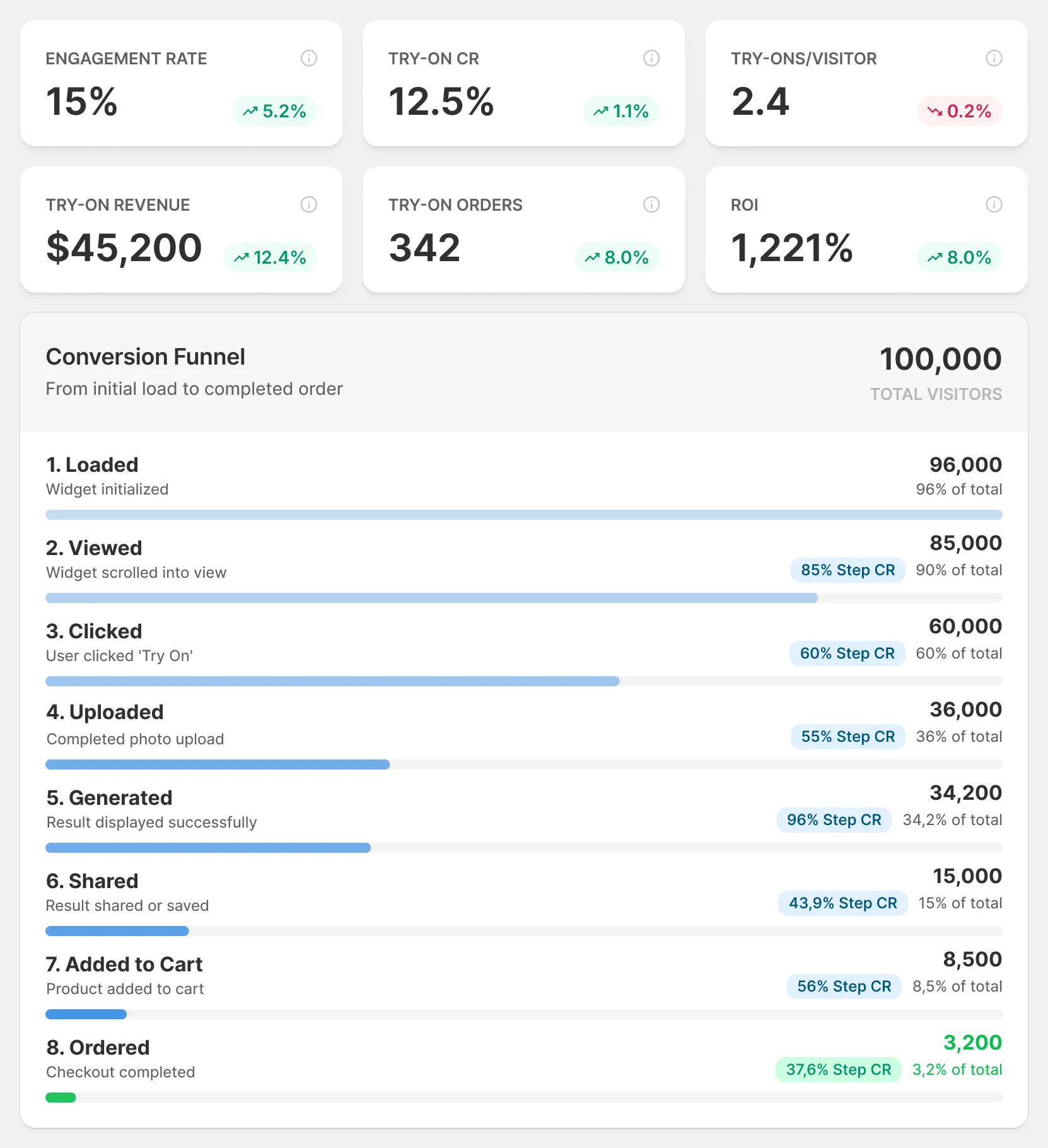
Track Try-On Impact 
Across the Funnel

See try-on usage, shares, email capture, and conversion lift

so you know what is working.

Drive Conversions
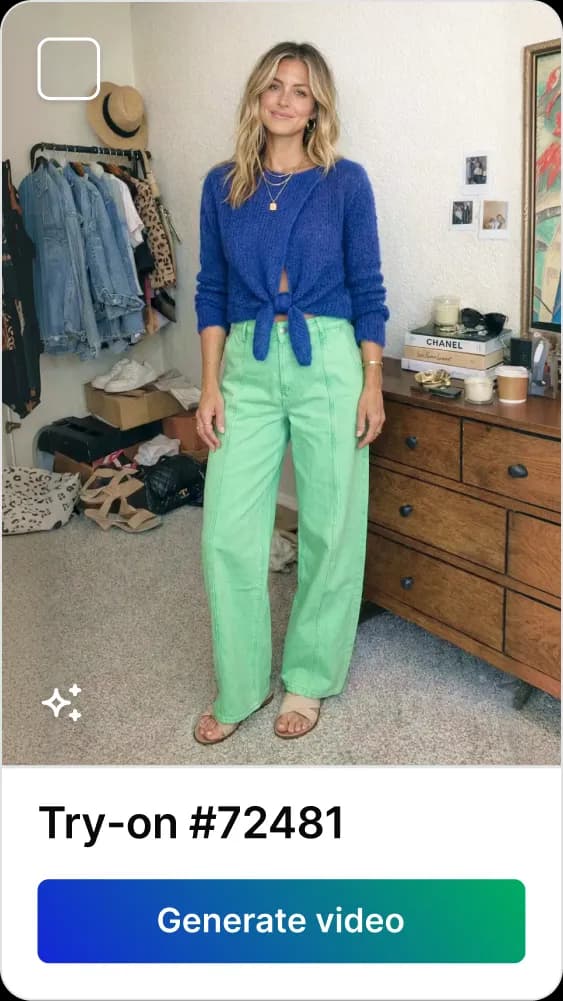
with Shoppable Try-On Videos

Turn your best try-ons into shoppable videos with VideoPoint.
5.0
on Shopify

It's Time for TryPoint.

Free plan and free trial available

FAQ

Questions people ask before they hit “Start Free”.

Getting Started

What is TryPoint?

TryPoint is a Google-powered AI Virtual Try-On app for Shopify. It lets your shoppers upload a photo and see how your clothing looks on them before they buy. The result is more confident purchases, higher conversions, and fewer returns.

How does TryPoint work?

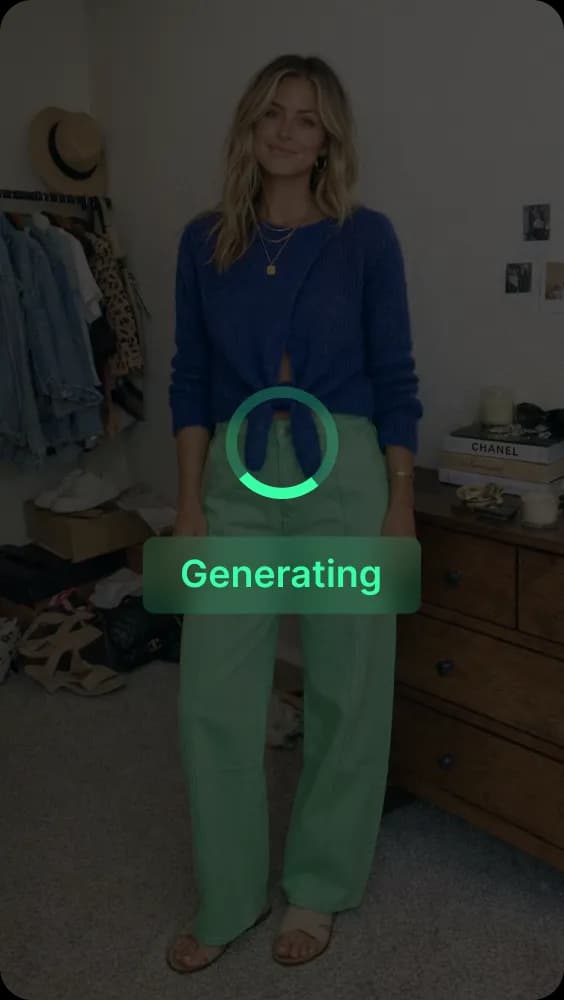
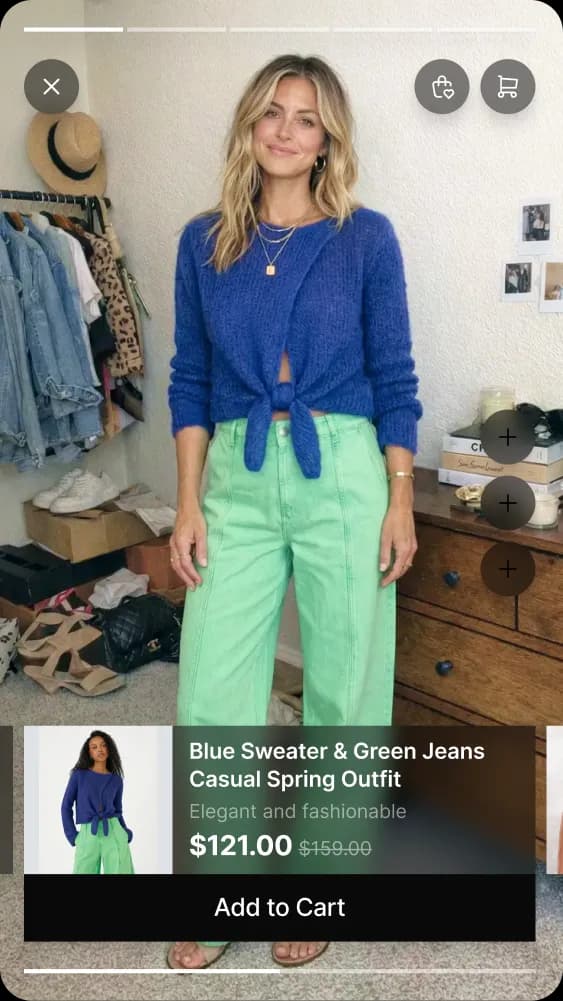
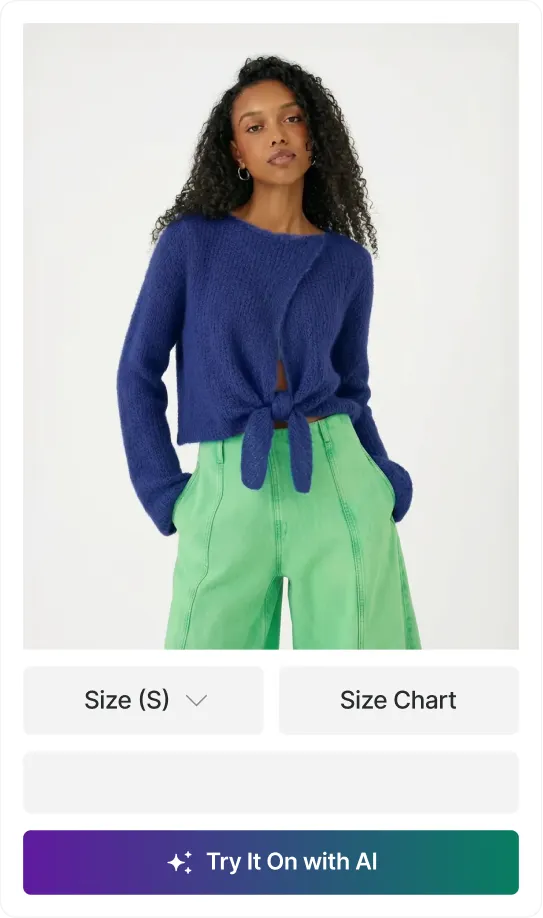
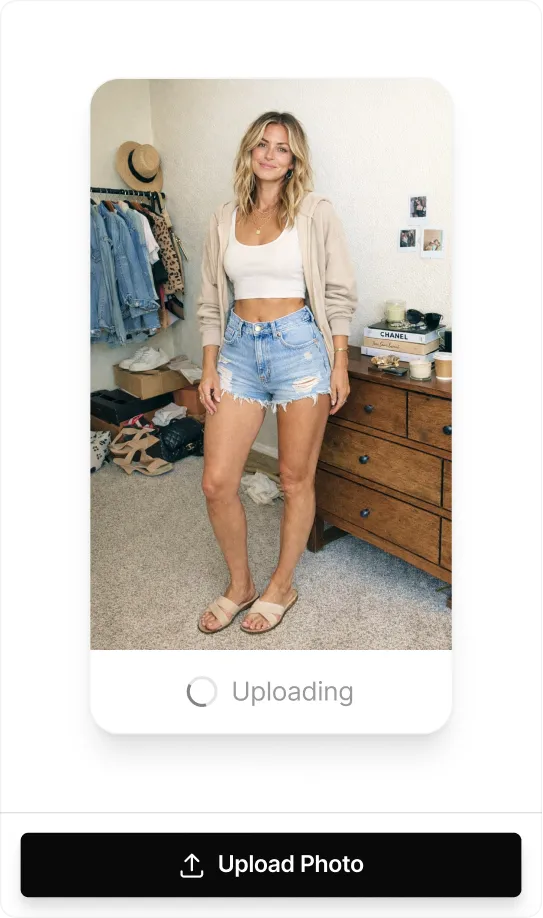
A "Try It On" button appears on your product pages. When a shopper clicks it, they upload a photo of themselves. TryPoint's AI generates a realistic image of them wearing the product in seconds. Shoppers can then share the result with friends, download it, or add the product to their cart right from the try-on experience.

Where does the sale happen?

The sale happens on your Shopify store. TryPoint adds a try-on experience to your existing product pages. When a shopper is ready to buy, they add the product to their Shopify cart and check out the same way they normally would. We track how try-ons influence conversions so you can see the impact.

Who is TryPoint for?

Shopify brands selling clothing, swimwear, and fashion accessories. If your customers need to see how a product looks on them before buying, TryPoint is built for you. It works especially well for apparel categories with higher return rates, like swimwear, dresses, and outerwear.

How the AI Works

What AI technology powers TryPoint?

TryPoint uses Google's virtual try-on AI models. These are diffusion-based models trained specifically on fashion data. The AI understands how different fabrics fold, stretch, drape, and wrinkle on different body types, so the results look realistic rather than like a flat image pasted onto a photo.

How accurate is the virtual try-on?

TryPoint is built on Google's latest virtual try-on models, which are widely recognized as the most advanced available. The AI preserves garment details like prints, logos, stitching, and texture. It also adapts to the shopper's body shape and pose. That said, results depend on photo quality. Clear, well-lit photos taken against a plain background produce the best results.

What types of clothing work with TryPoint?

TryPoint works with tops, dresses, swimwear, outerwear, and most upper-body garments. It handles a range of styles, from fitted pieces to loose, flowing fabrics. Even challenging items like bikinis and open-front garments produce natural-looking results. Back-view try-on is also supported.

Does TryPoint support back-view try-on?

Yes. Shoppers can see how a garment looks from the back, not just the front. This is especially useful for items where the back design matters, like swimwear, evening wear, or jackets.

What photo requirements do shoppers need to follow?

For the best results, shoppers should:

  • Use a clear, well-lit photo of just themselves.
  • Stand against a simple background, like a wall.
  • Avoid standing behind objects or furniture.
  • Face the camera with a natural, upright pose.

Photos up to 10 MB are supported. The AI handles a range of body types and casual poses.

Features & Performance

Will TryPoint slow down my website?

No. TryPoint adds a lightweight button to your product pages. The AI processing only starts when a shopper clicks the button, so your page load speed stays unaffected. The try-on itself generates in seconds using Google's cloud-based AI models.

Can I capture emails through try-ons?

Yes. You can gate the try-on experience behind an email capture form, optionally paired with a discount offer. Shoppers who use try-on are high-intent buyers, so this is a powerful way to grow your email list with people who are actively considering a purchase.

Can shoppers share their try-on results?

Yes. Shoppers can share their try-on images with friends for feedback or download them. This drives word-of-mouth traffic back to your store and helps shoppers make buying decisions faster when they get input from people they trust.

Can I reuse try-on images on my store or in ads?

Yes. TryPoint can request permission from shoppers to reuse their try-on photos. With consent, you can feature these images as AI-generated social proof on product pages, in email campaigns, or in ads. It is a scalable way to build trust with real customer visuals.

Can I review try-on activity from Shopify Admin?

Yes. TryPoint includes a gallery inside your Shopify Admin where you can review try-on submissions, track satisfaction scores, and manage feedback. You do not need to leave Shopify to monitor try-on performance.

Results & ROI

How can TryPoint increase my conversion rate?

Shoppers who see a product on themselves are more confident in their purchase decision. Industry data shows virtual try-on can increase conversion rates by up to 30% and reduce cart abandonment. Your actual results will depend on your product category, traffic, and how prominently you feature the try-on button.

Can TryPoint help reduce returns?

Yes. Returns are one of the biggest costs for fashion brands. When shoppers can visualize fit and look before buying, they make more informed decisions. Retailers using virtual try-on have reported return rate reductions of 20-30% across apparel categories.

Can I track performance metrics?

Yes. TryPoint provides analytics that track:

  • Try-on usage: how many shoppers see and click the try-on button.
  • Engagement: shares, downloads, and email captures from try-on sessions.
  • Conversion impact: how try-ons influence add-to-cart actions and completed purchases.
  • Satisfaction: shopper feedback and satisfaction scores collected after each try-on.

Setup & Integration

How do I install TryPoint?

Install TryPoint from the Shopify App Store. Setup takes about one minute and requires two steps: enable the app block in your theme and choose which product pages show the try-on button. No coding is needed.

Does TryPoint work with all Shopify themes?

Yes. TryPoint integrates through Shopify's App Blocks, which work with all modern Shopify themes. For older themes that do not support App Blocks, you can add TryPoint using a custom code block. The try-on button style is customizable to match your store's look and feel.

Can I use TryPoint with VideoPoint?

Yes. TryPoint integrates with VideoPoint, our shoppable video app. You can turn your best try-on images into shoppable videos and embed them on your store to drive even more engagement. A VideoPoint subscription is required for the shoppable video features.

Pricing & Subscription

Is there a free trial?

Yes. The free plan includes 20 try-ons so you can test the experience on your store. Paid plans also include a 7-day free trial so you can evaluate the full feature set before committing.

How much does TryPoint cost?

TryPoint offers flexible pricing:

  • Free: 20 one-time try-ons with all features included.
  • Pay-as-You-Go: $0.29 per try-on. No monthly fee. Includes button customization, email capture, admin gallery, feedback collection, sharing, and UGC permissions.
  • Basic ($19.99/month): 100 try-ons included, then $0.19 each. Adds daily usage limits, shoppable video creation, chat support, and Done-for-You setup.
  • Grow ($99.99/month): 1,000 try-ons included, then $0.10 each. Adds API access, 24/7 support, a dedicated Slack channel, and roadmap priority.

All charges are billed in USD every 30 days.

Can I cancel anytime?

Yes. You can cancel, downgrade, or upgrade your plan at any time directly from your Shopify account. There are no long-term contracts.

Support & Assistance

What if I need help?

Our team is available via email for all plans. Basic plan and above include chat support, and Grow plan customers get 24/7 chat support plus a dedicated Slack channel. All paid plans include an onboarding call to help you get started.

What is Done-for-You Setup?

Done-for-You Setup is included with the Basic plan and above. Our team helps you configure TryPoint for your store, including choosing the right product pages to enable try-on, customizing the button to match your theme, and setting up email capture. The goal is to get you live and optimized without taking up your time.

Ask AI about TryPoint