Summarize with


vs
Vue
TryPoint vs Vue:
AI virtual Try-On tools compared
An independent comparison of features, pricing, and Core Web Vitals — to help Shopify merchants pick the right shoppable video tool.


Summarize with
vs
Vue
An independent comparison of features, pricing, and Core Web Vitals — to help Shopify merchants pick the right shoppable video tool.

TL;DR — QUICK VERDICT
TryPoint and Vue both bring AI virtual try-on to fashion e-commerce — but they serve different brand goals. TryPoint is a revenue platform: it captures shopper consent at the try-on moment, generates UGC video automatically, integrates with VideoPoint for shoppable distribution, and tracks try-on-to-purchase ROI per garment. TryPoint is an accuracy-focused display tool with strong rendering but limited post-session marketing capabilities.
Choose TryPoint if you need UGC generation, email capture from try-on sessions, or per-garment ROI analytics. Choose Vue if photorealistic rendering accuracy is your single top priority and post-session automation is not required.
Best for: UGC capture, email opt-in + ROI analytics
Vue
Best for: Photorealistic rendering accuracy
SIDE-BY-SIDE COMPARISON
Feature-by-feature breakdown across try-on accuracy, UGC capabilities, and Shopify performance.
Criteria |
|
Vue |
|---|---|---|
Starting price |
Free plan available · $29/mo for Pro
|
Vue
[Competitor pricing placeholder]
|
Free plan |
Yes
|
Vue
Yes / No
|
Try-on accuracy |
AI garment draping + body shape
|
Vue
[Accuracy approach]
|
AI technology |
Google AI + proprietary model
|
Vue
[AI tech used]
|
Shopify integration |
Native app, no theme edits
|
Vue
[Integration depth]
|
UGC video generation |
Yes — auto-generated from sessions
|
Vue
Not available
|
Email / newsletter capture |
Yes — consent at try-on moment
|
Vue
Not available / Yes
|
VideoPoint integration |
Yes — shoppable video distribution
|
Vue
Not available
|
Analytics / ROI tracking |
Per-garment try-on-to-purchase
|
Vue
View counts only
|
Privacy / GDPR |
Consent-first, data minimization
|
Vue
[Privacy approach]
|
Off-site distribution |
Email, SMS, social via VideoPoint
|
Vue
Storefront only
|
A/B testing |
Yes — widget + garment level
|
Vue
No / Yes
|
Shopify App Store rating |
★ 5.0 (300+ reviews)
|
Vue
★ [X.X] ([N] reviews)
|
Best for |
Fashion brands wanting UGC + ROI loop
|
Vue
Accuracy-first display use cases
|
Last verified: March 2025 · Pricing and features subject to change. Check vendor sites for current information.
on Shopify
More sales, fewer returns. Shoppers see how your clothes look on them before buying.
Start Free01 ACCURACY
Try-on accuracy is the baseline expectation — but how each tool achieves it, and what happens after the try-on, separates the platforms fundamentally.
TryPoint uses Google AI-powered garment draping combined with a proprietary body shape model. Garments conform to the shopper's proportions, handle fabric physics realistically, and remain accurate across body types. Accuracy improves over time as the model learns from session feedback.
Vue uses [AI technology] for garment visualization. Rendering accuracy is [strong/moderate] for [garment types]. The approach [handles/doesn't handle] edge cases like loose fabric, transparent materials, and plus-size body types. [Add specific accuracy data from competitor docs if available.]
accuracy across diverse body types and complex fabrics is essential
your garments are simple silhouettes and standard sizing
02 SHOPIFY INTEGRATION
Both tools work on Shopify — but integration depth determines how much development work is required, how products sync, and how try-on data flows into your marketing stack.
TryPoint is a native Shopify app installed through the App Store. No theme code edits required. Products sync automatically via Shopify's product API — garment images, sizes, and inventory stay in sync in real time. Try-on data feeds directly into Shopify customer profiles and supports Shopify Flow triggers.
Vue integrates with Shopify via [method — app, script tag, manual embed]. Product sync [is/is not] automatic. Theme customization [is/is not] required. The setup process typically takes [timeframe]. Shopify Flow and metafield integration [is/is not] supported.
you want zero-code Shopify setup with real-time product sync
you have developer resources and need custom integration control
Paste your Shopify store or product URL
03 UGC GENERATION
TryPoint turns passive try-on sessions into owned marketing content. Vue does not. This is the most commercially significant gap between the two products.
TryPoint automatically generates short-form UGC video from every try-on session with shopper consent. Videos show the garment on the actual shopper's body and are immediately available for email, SMS, and social distribution. Combined with VideoPoint, brands can publish these videos as shoppable widgets within minutes.
Vue does not offer UGC video generation. Try-on sessions are a display interaction only — no content asset is created, no distribution pathway exists, and no connection to a video commerce platform is available. Brands using [Competitor] must produce UGC content separately through traditional influencer or production workflows.
you want to generate authentic UGC from every shopper interaction automatically
you have a separate UGC production workflow and do not need try-on-generated content
04 EMAIL CAPTURE
The try-on moment is the highest-intent point in the shopping session. TryPoint captures email consent here. Vue does not have this capability.
TryPoint displays a consent-based email capture prompt at the try-on interaction — the moment shopper intent is highest. Opt-in rates are significantly higher than standard pop-ups because the value exchange is clear: try on the garment, save your result, receive personalized recommendations. Data is compliant with GDPR and CCPA.
Vue does not include email capture functionality. The platform is focused on the visual experience only — no shopper data collection, consent management, or CRM integration is built in. Email capture requires a separate tool and cannot be contextually triggered at the try-on moment.
proving try-on ROI to stakeholders is a requirement
email capture is handled by a separate platform and does not need to be try-on-contextual
on Shopify
More sales, fewer returns. Shoppers see how your clothes look on them before buying.
Start Free05 ANALYTICS
TryPoint tracks the full funnel from try-on to purchase per garment. Vue reports on engagement metrics — views and interactions — without closing the loop to revenue.
TryPoint's analytics attribute Shopify purchases to the specific try-on session that preceded them. Reports show try-on-to-add-to-cart rate, try-on-to-purchase rate, and revenue per garment. Brands can identify which SKUs benefit most from try-on and allocate resources accordingly.
Vue provides analytics covering [metrics available — try-on counts, session duration, garment views]. Revenue attribution [is/is not] available. The reporting [is/is not] connected to Shopify order data. For merchants whose primary metric is engagement rather than conversion, Vue's reporting [is sufficient/has gaps].
proving try-on ROI to stakeholders is a requirement
proving try-on ROI to stakeholders is a requirement
06 PRICING
Both tools offer entry-level plans. At scale — thousands of try-on sessions per month — the effective cost per session and the value generated per session differ significantly.
TryPoint's free plan includes up to [X] try-on sessions per month. Paid plans start at $[Y]/month. At 5,000 sessions/month the effective cost per session is $[A]. The pricing model accounts for UGC value generated — each session produces a distributable content asset in addition to the try-on itself.
Vue charges $[X]/month for [Y] sessions. At 5,000 sessions/month the cost is $[A] per session. The pricing [is/is not] consumption-based. A free plan [is/is not] available. There [is/is no] volume discount for enterprise accounts.
you want favorable cost-per-session economics with UGC value included
your session volume is low and predictable with no need for additional UGC value
WHY TRYPOINT IS DIFFERENT
Beyond try-on display — how TryPoint's platform architecture turns a passive experience into a revenue engine.
Every TryPoint try-on session automatically generates a short-form UGC video asset — with shopper consent. This turns each interaction into distributable marketing content at zero production cost, feeding your email, social, and shoppable video channels continuously.
TryPoint integrates directly with VideoPoint. UGC videos generated from try-on sessions are automatically published as shoppable widgets — closing the loop from try-on moment to purchase-ready video content without manual production steps.
TryPoint is built on Google AI's latest garment draping models, giving it access to research-grade accuracy improvements as they ship. This means accuracy improves over time automatically rather than requiring manual model updates.
TryPoint tracks Shopify orders attributed to try-on sessions per garment. Fashion brands can see which SKUs convert through try-on, which don't, and reallocate photography and promotion budgets based on data — not assumption.
TryPoint is built on consent-first data collection. Shoppers explicitly opt in before their session data is stored. GDPR and CCPA compliance is built into the platform — not bolted on — making TryPoint viable for EU markets without additional legal overhead.








SWITCHING IS EASY
Most brands are fully live within 24 hours. No developer required.
Add TryPoint from the Shopify App Store. One-click install, no code required.
TryPoint connects to your Shopify catalog automatically. Products, images, and sizing data stay in sync.
Upload garment photos or connect existing product images. AI processes them for virtual try-on rendering.
Choose widget placement, body model options, and garment categories. Place the try-on button on PDPs using the visual editor.
Publish the widget. The analytics dashboard starts tracking try-on sessions and attributing Shopify orders immediately.
Questions people ask before they hit “Start Free”.
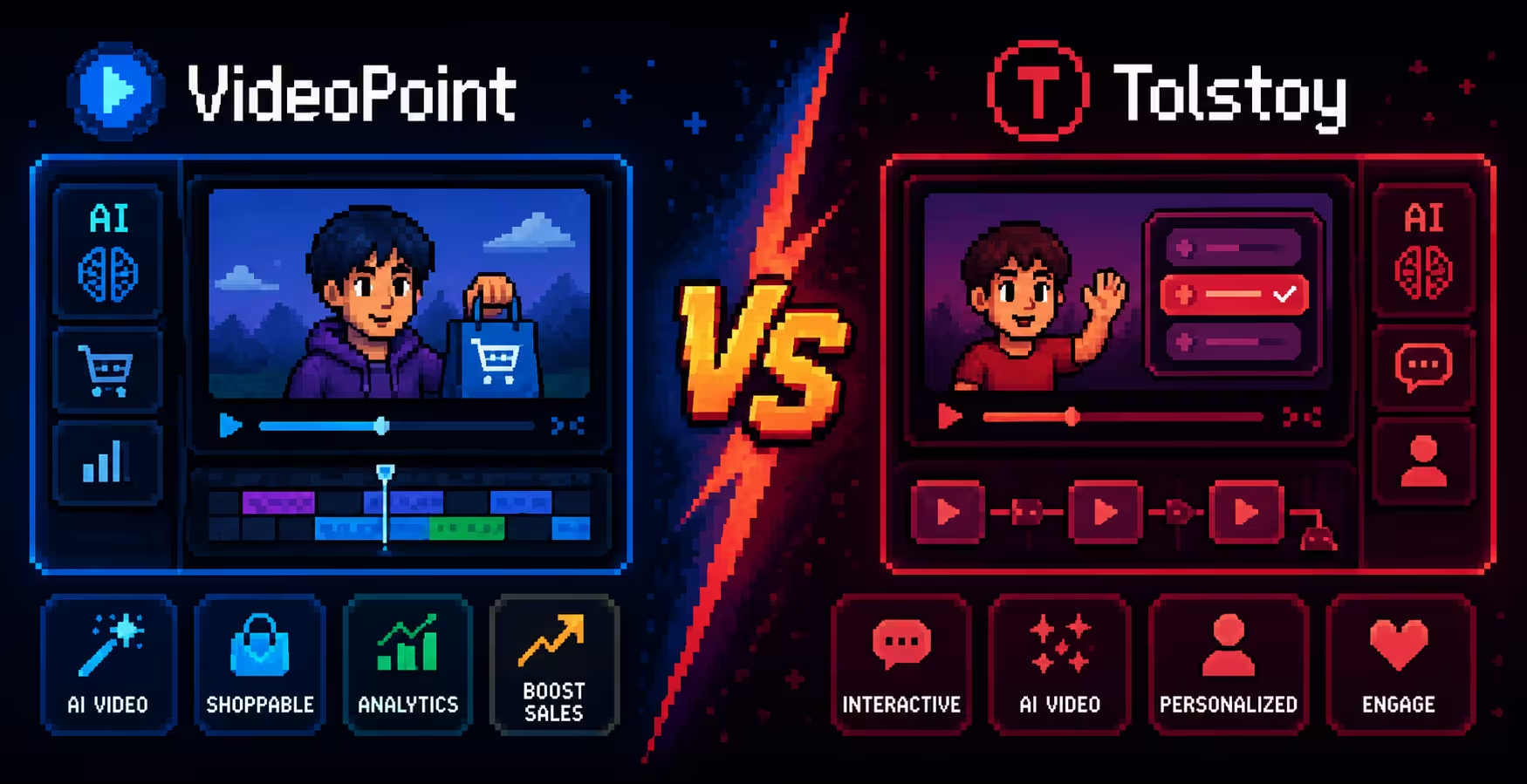
TryPoint focuses on shoppable video experiences designed to help Shopify stores increase engagement and conversions, while Tolstoy offers interactive video experiences with AI-powered video creation and customer interaction features.
Both tools integrate with Shopify, but the better choice depends on your goals. VideoPoint is built around shoppable video commerce, while Tolstoy may be a better fit for brands focused on interactive customer journeys and AI-driven experiences.
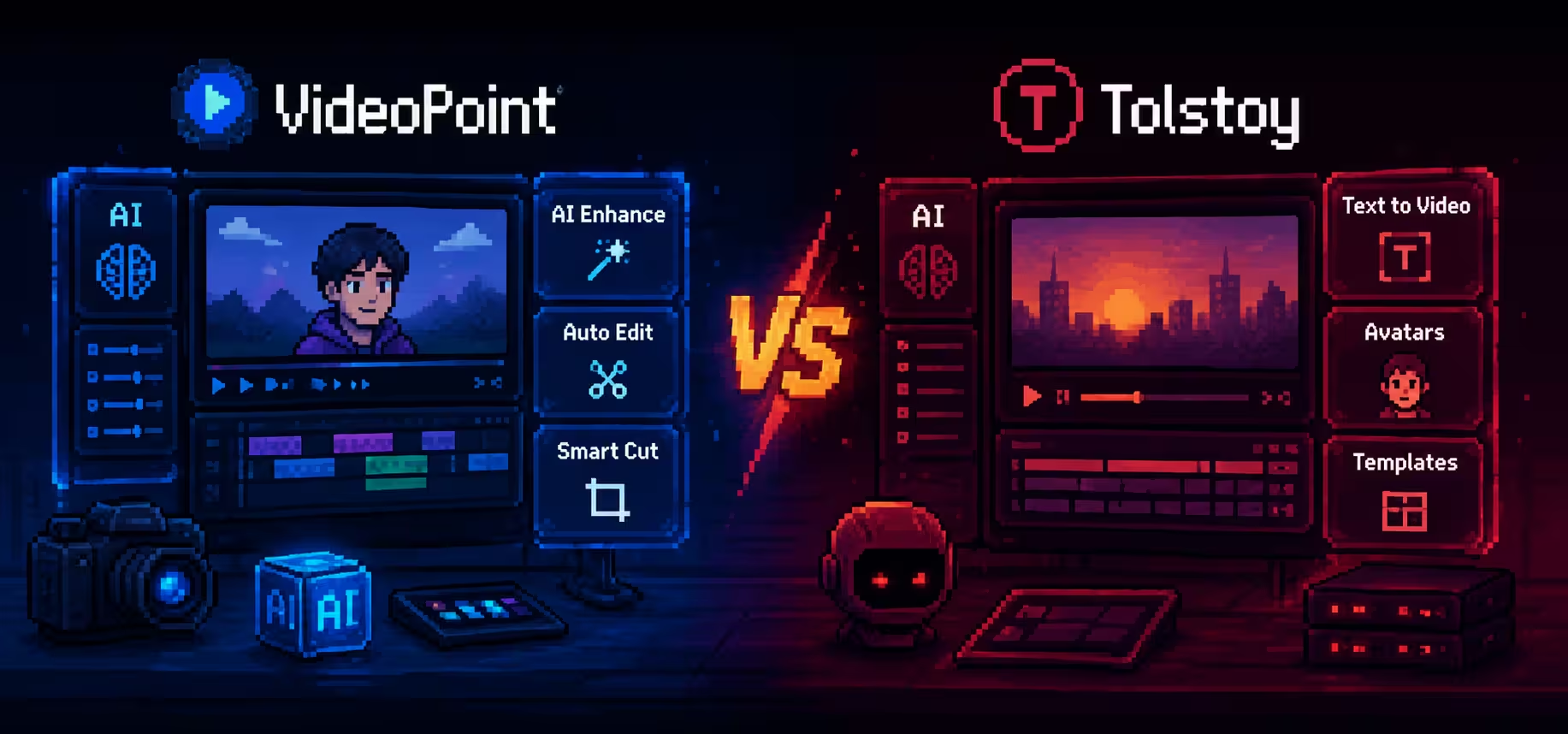
VideoPoint includes AI-powered tools and video optimization capabilities designed to simplify video workflows and improve content performance for ecommerce brands.
Yes. Tolstoy provides interactive video experiences, personalized flows, and AI-driven features that can help brands create more engaging customer experiences.
Consider your priorities such as shoppable video functionality, AI tools, pricing, integrations, ease of use, and performance. Comparing your business needs with each platform's strengths can help determine the right fit.
Summarize with
FINAL VERDICT
The question is simple: do you want try-on to generate revenue assets, or just display a garment? TryPoint is the choice for fashion brands that want every try-on session to produce UGC content, grow an email list, and close a revenue loop. [Competitor] is the choice for brands where rendering accuracy is the sole requirement and marketing automation exists in a separate stack.
on Shopify
Free plan available. No credit card. Live on your Shopify store in 20 minutes.
Free plan and free trial available